Workers skip safety briefings. Supervisors rush through checklists. Critical hazards go unmentioned—all because the toolbox talk feels like a box-ticking chore. But it doesn’t have to be that way.
The real problem isn’t a lack of time or attention. It’s a lack of structure. Without a solid template, toolbox talks become vague, inconsistent, and forgettable. That’s where template toolbox talk examples come in—they turn a routine into a reliable safety intervention.
Used correctly, these templates standardize messaging, reduce preparation time, and keep teams focused on real risks. Whether you’re managing a construction crew, a maintenance team, or a field service operation, the right template shapes the conversation and drives accountability.
Let’s break down how to build, adapt, and deliver effective toolbox talk templates—with real-world examples you can use today.
Why Template Toolbox Talks Work
A toolbox talk isn’t just a meeting. It’s a micro-training session, usually 10 to 15 minutes long, focused on a specific safety topic relevant to the day’s work. When built from a template, it becomes repeatable, measurable, and scalable.
Templates work because they:
- Standardize messaging – Every team hears the same core safety points, reducing guesswork.
- Save time – Supervisors don’t start from scratch each day.
- Improve retention – Structured formats help workers remember key takeaways.
- Support compliance – Documentation is built into the process.
Without a template, safety briefings often degrade into vague reminders like, “Be safe out there.” With one, you can cover hazard identification, PPE use, emergency response, and team responsibilities—every time.
Core Elements of a Strong Toolbox Talk Template
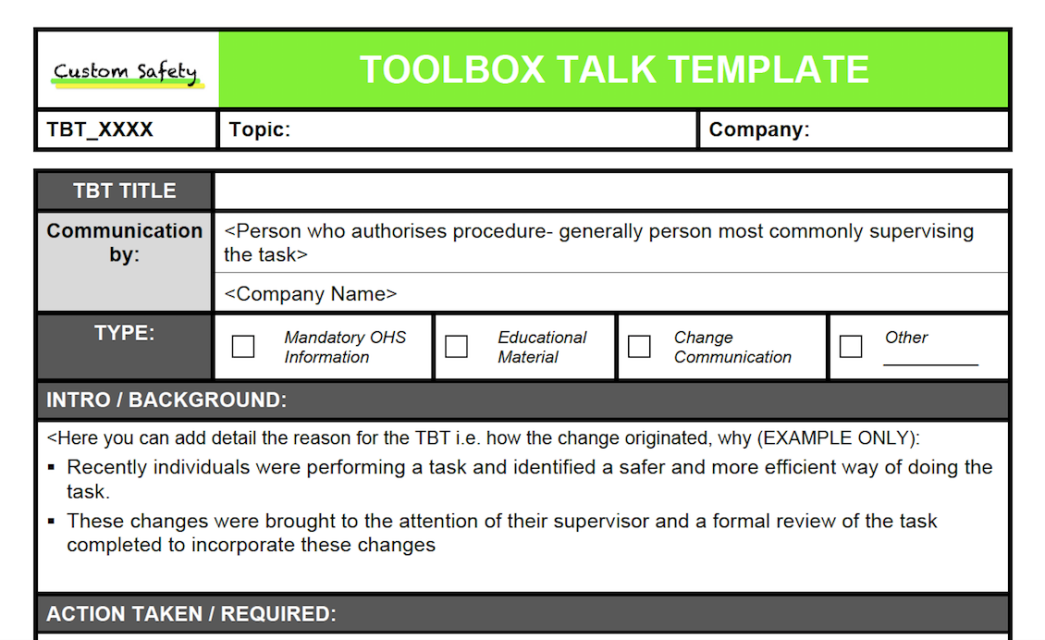
A good template isn’t just a form. It’s a framework designed to prompt discussion, not silence. The best ones include:
- Topic & Date – Clear identification of the subject and when it was delivered.
- Facilitator Name – Assigns accountability.
- Attendee Sign-Off – Confirms participation and understanding.
- Hazard Overview – What could go wrong?
- Prevention Controls – How will we prevent it?
- Real-World Example – A past incident or near-miss to make it tangible.
- Discussion Prompts – Questions to engage the team.
- Action Items – What changes or checks need to happen today?
Leaving out discussion prompts is a common mistake. A template that only lists facts turns the talk into a monologue. The goal is dialogue—workers should voice concerns, suggest improvements, and clarify confusion.
5 Practical Template Toolbox Talk Examples
Here are real, adaptable examples of templates used across industries. These can be printed, shared digitally, or built into safety apps.
#### 1. Working at Height – Fall Protection
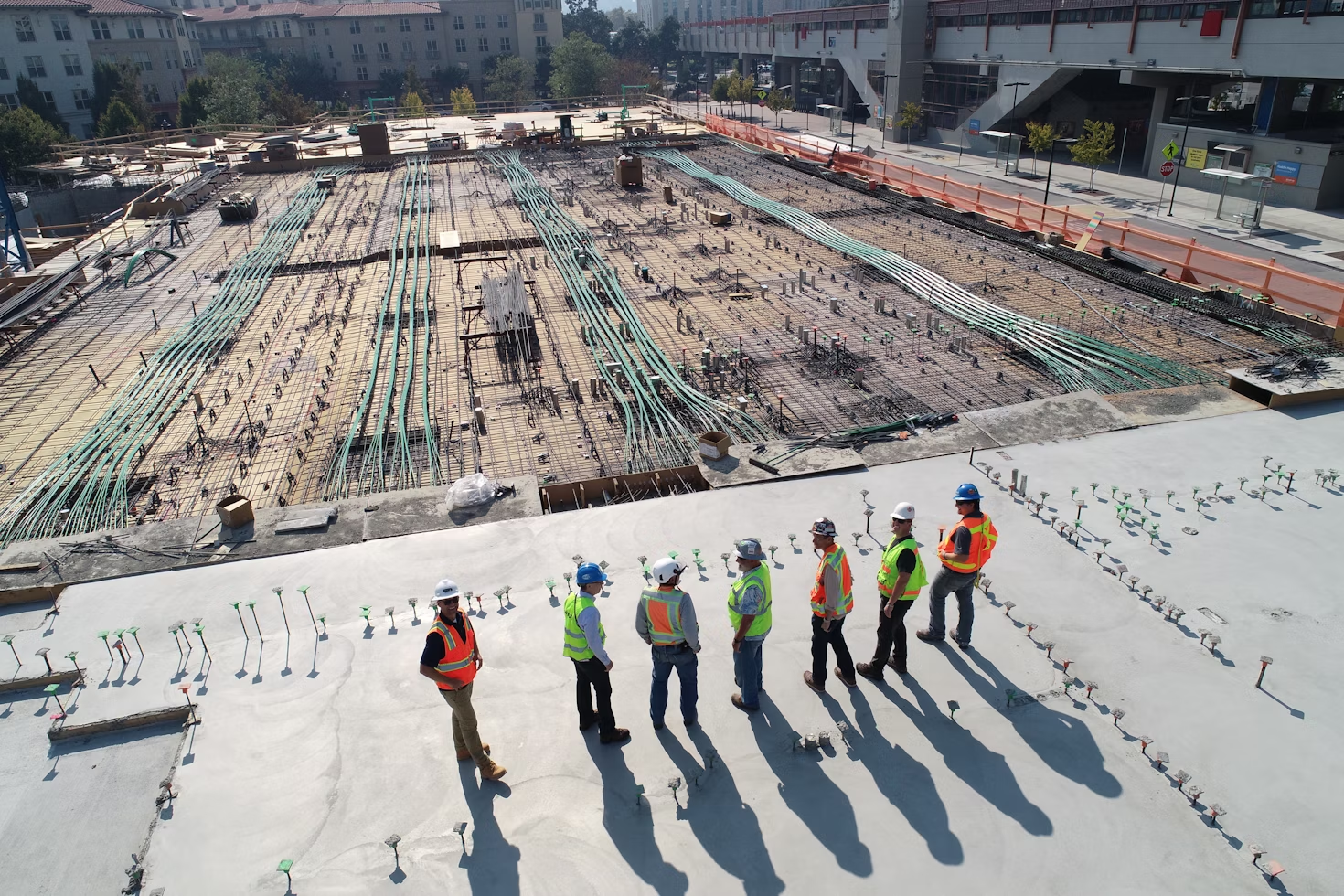
Hazard: Falls from ladders, scaffolds, or roof edges. Controls: Use guardrails, harnesses, and secure anchor points. Inspect equipment daily. Discussion Prompt: “Has anyone seen a near-miss with fall protection this week?” Action: Verify 100% tie-off on all elevated work today. Real-World Note: “In 2022, a worker fell 12 feet from an unsecured ladder—no harness. He broke his pelvis.”
This template works on construction, telecom, and utility sites. The key is specificity—naming exact PPE and inspection steps.
#### 2. Hot Work Safety – Welding & Cutting
Hazard: Fire from sparks or flammable materials. Controls: Clear work area, fire watch for 30 minutes post-work, permit required. Discussion Prompt: “Where are the nearest fire extinguishers and emergency exits?” Action: Confirm fire watch is assigned and area is swept post-job. Real-World Note: “A welding spark ignited insulation in a confined space—fire spread in under 2 minutes.”
This example forces teams to verify logistics before starting. The permit requirement ties into OSHA compliance.
#### 3. Slip, Trip, and Fall – Housekeeping
Hazard: Cluttered walkways, wet floors, loose cables. Controls: Clean as you go, use warning cones, report hazards immediately. Discussion Prompt: “What’s one hazard you’ve seen in the past 24 hours?” Action: Conduct a 5-minute site sweep before shift end. Real-World Note: “A supervisor slipped on an oil spill—no signage. Result: a 3-day lost-time incident.”
This template encourages ownership. Workers aren’t just listeners—they’re part of the solution.
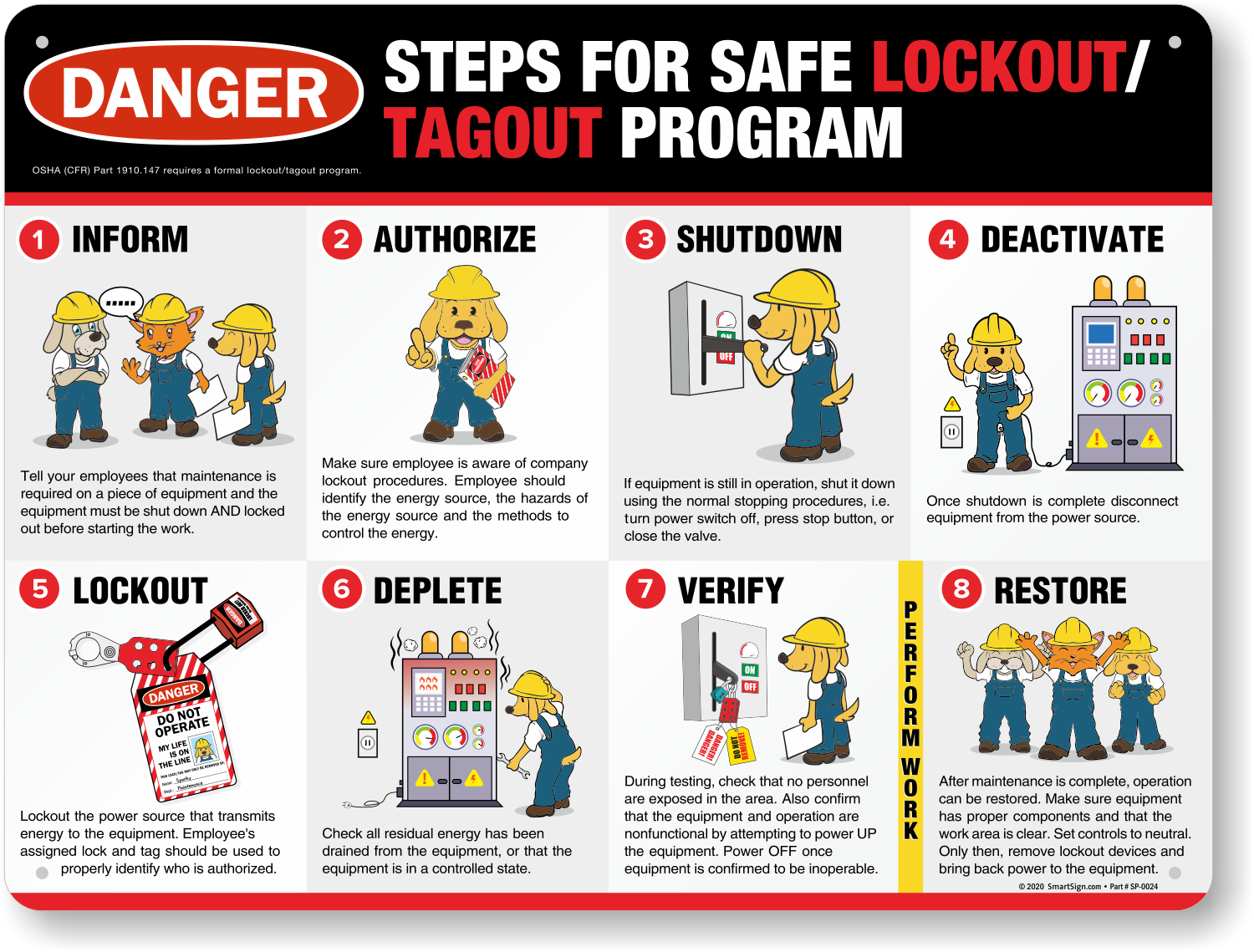
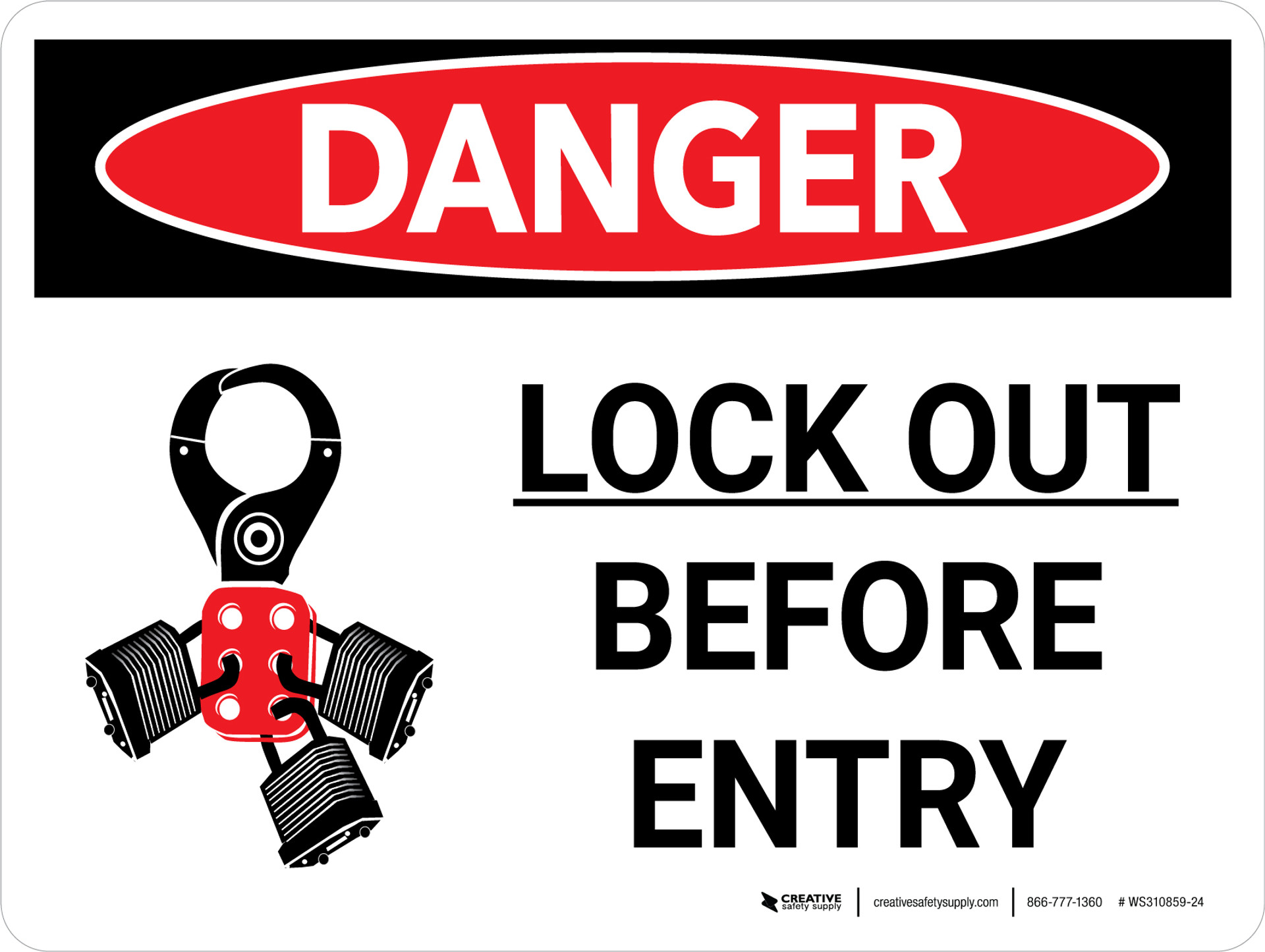
#### 4. Electrical Safety – Lockout/Tagout
Hazard: Unexpected energization during maintenance. Controls: Use LOTO procedures, verify zero energy, only authorized personnel. Discussion Prompt: “When was the last time you double-checked a lockout?” Action: Audit one LOTO procedure today. Real-World Note: “A mechanic bypassed a lock—equipment powered on. Severe hand injury.”
This example is critical for manufacturing and maintenance. It highlights procedure over convenience.
#### 5. PPE Compliance – Daily Readiness
Hazard: Injuries due to missing or damaged PPE. Controls: Inspect PPE before shift, replace damaged gear, wear required items. Discussion Prompt: “Is anyone using PPE that’s worn or uncomfortable?” Action: Report damaged gear by end of day. Real-World Note: “A worker’s cracked hard hat failed during a falling object incident—minor head injury.”
This template normalizes equipment scrutiny. It also opens a channel for feedback on comfort and fit.
How to Customize Templates for Your Team
A template isn’t one-size-fits-all. The best ones are adapted to crew size, work environment, and risk profile.
For example, a 6-person roofing crew needs different language than a 50-person plant maintenance team. A remote oil rig may require printed copies; a tech-enabled construction site might use a tablet app.
Customization tips:
- Localize examples – Use incidents from your site or region.
- Use plain language – Avoid jargon. “Harness” instead of “fall arrest system.”
- Rotate topics – Don’t repeat the same talk weekly. Track topics monthly.
- Add visuals – A photo of a damaged ladder or a diagram of anchor points improves understanding.
- Include space for notes – Let workers add concerns or suggestions.
One electrical contractor prints QR codes on their templates. Scanning the code pulls up a 60-second video of the hazard in action. Engagement jumped 40% in three months.
Common Template Mistakes to Avoid
Even good templates fail when misused. Watch for these red flags:
- Overloading the talk – Covering five hazards in 10 minutes dilutes focus. Stick to one.
- No follow-up – If action items aren’t tracked, workers learn they don’t matter.
- Copying templates blindly – A generic OSHA handout won’t address your site’s unique risks.
- No worker sign-off – Without signatures, participation can’t be verified during audits.
- Same person every time – Rotate facilitators to build ownership and fresh perspectives.
One mining company found their LOTO talks were failing because supervisors read from scripts without pausing. When they trained facilitators to ask questions and watch for reactions, compliance rose from 68% to 94%.
Digital vs. Paper Templates: What Works Best?
The format matters. Paper templates are familiar and don’t rely on tech. But digital versions offer advantages:
| Feature | Paper Templates | Digital Templates |
|---|---|---|
| Accessibility | On-site only | Cloud-based, mobile |
| Real-time updates | Manual | Instant |
| Sign-off collection | Physical signatures | E-signatures, timestamps |
| Reporting | Manual data entry | Automated analytics |
| Searchability | Low | High (by topic, date, etc.) |
Many teams use hybrid models. A superintendent runs the talk from a tablet but prints a copy for the site file. Others use apps like SafetyCulture (iAuditor) or Procore to deliver and archive talks.
The key is consistency—whichever format you choose, use it the same way every time.
How to Introduce Templates Without Pushback
Change is hard. Some crews see toolbox talks as interruptions. To gain buy-in:
- Explain the “why” – Connect templates to real injuries and downtime.
- Start small – Pilot one template with a willing crew.
- Involve workers in creation – Ask them to suggest topics or discussion questions.
- Track and share wins – “We’ve had 45 days without a recordable incident—thanks to your attention in toolbox talks.”
One facility reduced forklift incidents by 70% after introducing a dedicated template and rewarding safe observations. Workers began requesting new topics.
Make Templates Part of Your Safety Culture
A toolbox talk template isn’t a document. It’s a tool for building awareness, accountability, and trust. The best ones aren’t filed away—they’re referenced, improved, and lived.
Start with one proven example. Customize it. Deliver it with confidence. Follow up on action items. Repeat.
Do that, and your next toolbox talk won’t be another chore. It’ll be the reason someone goes home safe.
FAQ
What should you look for in Template Toolbox Talk Examples for Safer Work Teams? Focus on relevance, practical value, and how well the solution matches real user intent.
Is Template Toolbox Talk Examples for Safer Work Teams suitable for beginners? That depends on the workflow, but a clear step-by-step approach usually makes it easier to start.
How do you compare options around Template Toolbox Talk Examples for Safer Work Teams? Compare features, trust signals, limitations, pricing, and ease of implementation.
What mistakes should you avoid? Avoid generic choices, weak validation, and decisions based only on marketing claims.
What is the next best step? Shortlist the most relevant options, validate them quickly, and refine from real-world results.