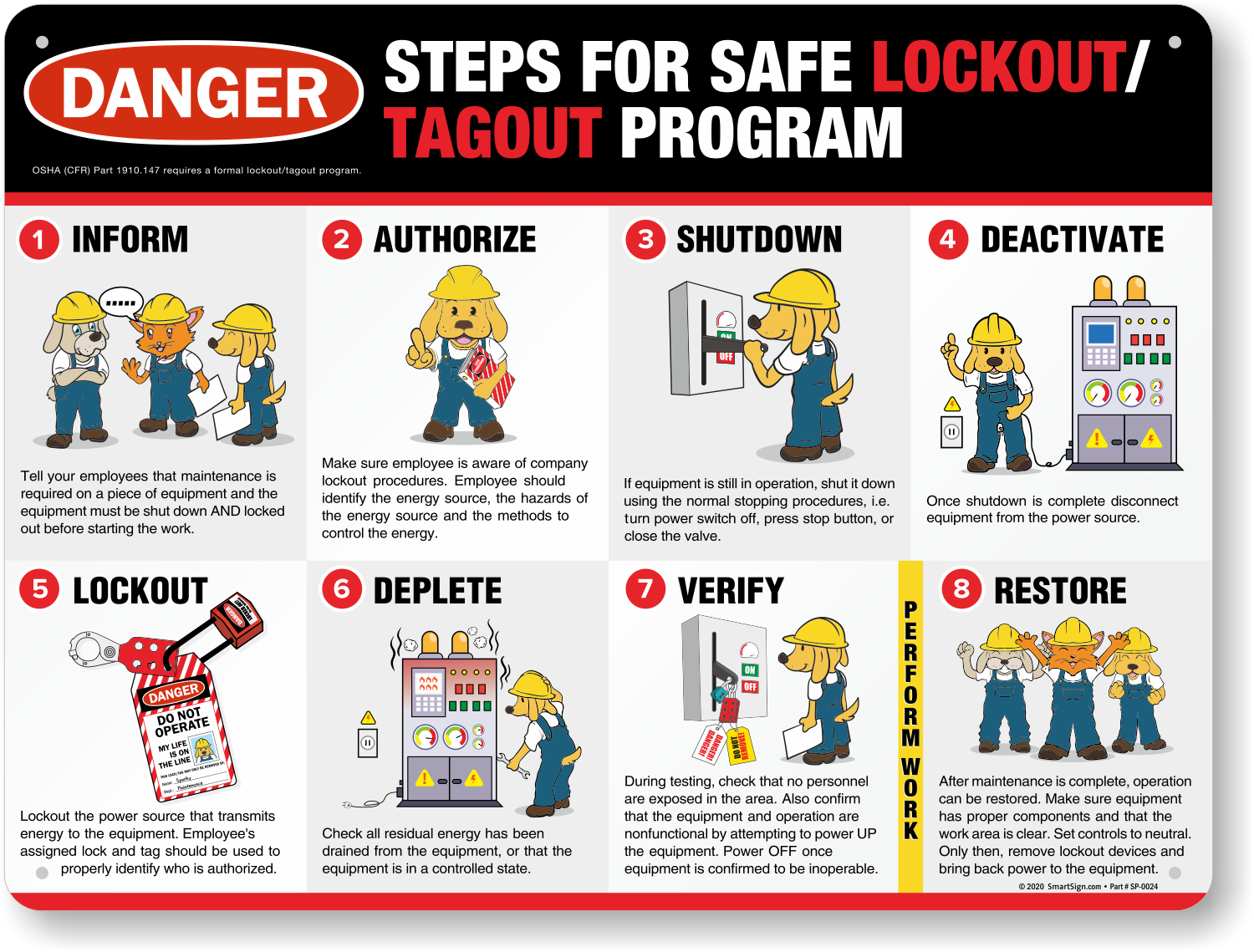
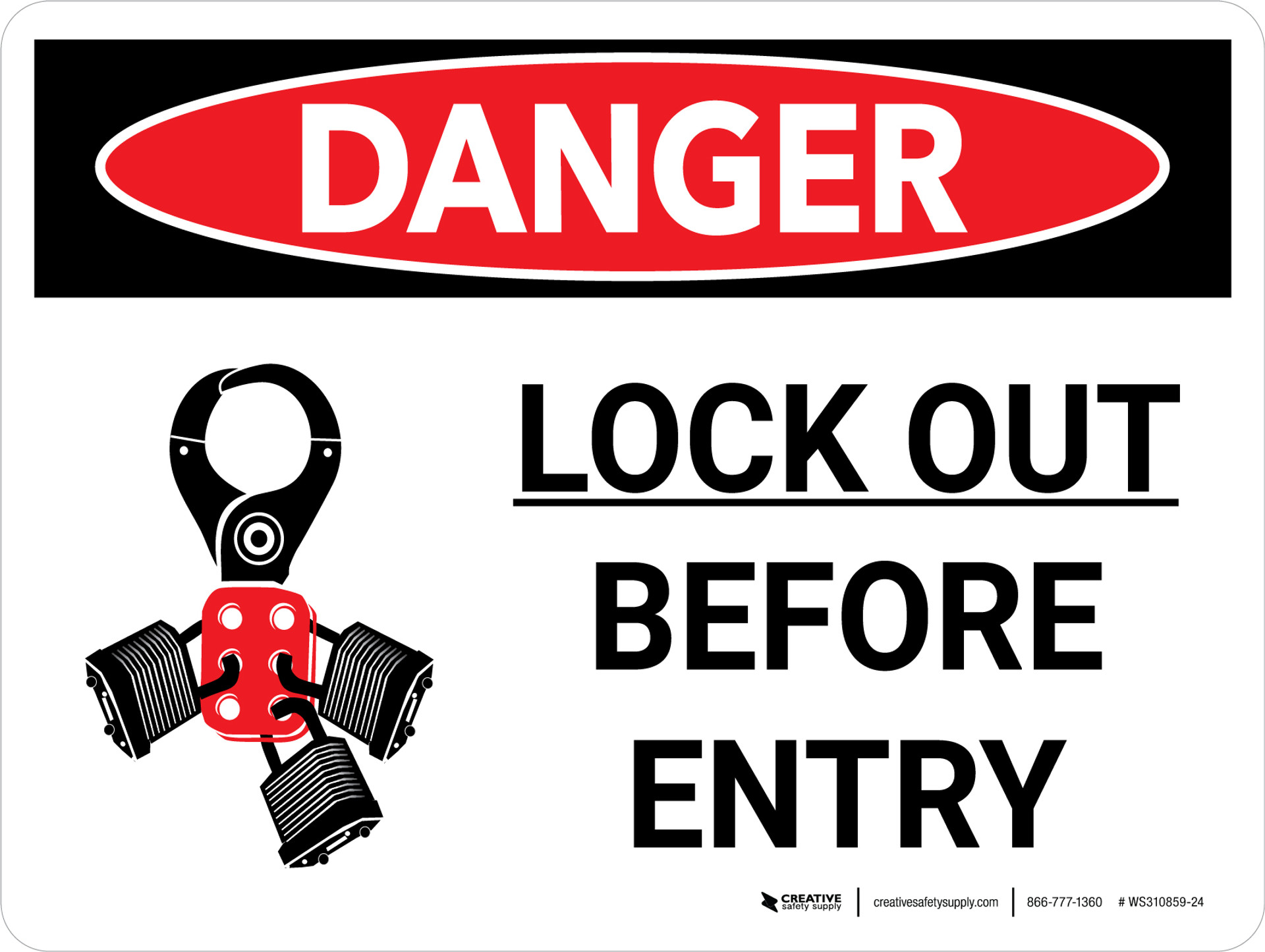
Maintenance work on machinery poses serious risks when hazardous energy isn't properly controlled. One misstep—failing to isolate a power source, skipping verification, or removing a lock too soon—can lead to injury or worse. That’s where printable lockout tagout (LOTO) forms come in. They aren’t just paperwork. They’re structured safety protocols that guide workers through every step of energy isolation, ensuring consistency, compliance, and accountability.
Printable forms offer a practical advantage: no software dependency, no login, no learning curve. They’re ideal for facilities with limited digital infrastructure, contractors who move between sites, or teams needing immediate access during audits or emergency repairs. But not all forms are created equal. A poorly designed template can create confusion, gaps in procedure, or compliance risks. The right form, however, becomes a frontline defense against preventable accidents.
Let’s break down what makes a printable LOTO form effective, how to use it correctly, and where to find reliable templates.
Why Printable LOTO Forms Are Still Crucial
Despite the rise of digital safety platforms, printable lockout tagout forms remain a staple in manufacturing, utilities, construction, and facilities maintenance. Their resilience comes from accessibility and simplicity.
In a high-noise environment with grease-covered hands, pulling out a phone to access a digital form isn’t practical. A laminated, printed form clipped to a lockbox is faster, more durable, and universally accessible.
More importantly, OSHA’s Control of Hazardous Energy standard (29 CFR 1910.147) doesn’t mandate digital systems—it mandates documented procedures, employee training, and periodic inspections. A printable form satisfies these requirements when properly designed and used.
Common scenarios where printable forms excel: - Routine maintenance on conveyor systems - Electrical panel servicing during outages - Lockout of hydraulic presses in batch manufacturing - Contractor work under host employer oversight
The key is ensuring the form captures all required elements: equipment identification, energy sources, lock application, verification, and supervisor sign-off.
Key Components of an Effective Printable LOTO Form
A well-structured form isn’t just a checklist—it’s a legal and operational safeguard. Missing elements can jeopardize compliance during an inspection or incident investigation. Here’s what every printable LOTO form should include:
1. Equipment Identification Clearly list the machine name, ID number, and location. Avoid vague labels like “Pump A”—use “North Cooling Tower Circulation Pump, ID: CT-N-03.”
2. Authorized Employee Information Name, employee ID, department, and signature. This establishes accountability and confirms training status.
3. Energy Source Inventory List every energy type involved: electrical, pneumatic, hydraulic, thermal, chemical, gravitational. For each, specify isolation points (e.g., breaker #42, valve E-12).
4. Lock and Tag Application Log Space to record each lock applied: lock number, employee name, time applied. Tags should include reason for lockout and contact info.
5. Verification of Isolation A mandatory step: “Test for zero energy” with space to document method (e.g., voltage meter reading, bleed-down confirmation).
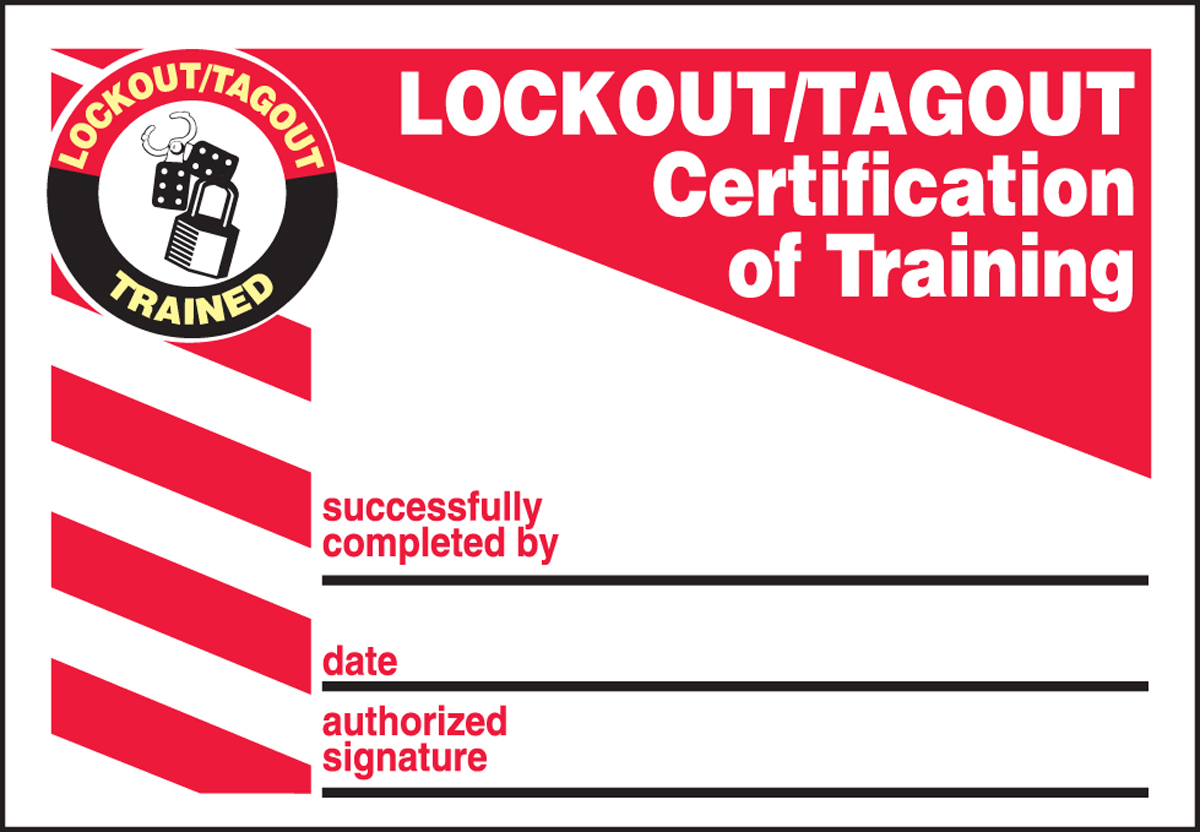
6. Supervisor Approval & Release Final sign-off before re-energization. This ensures all tools are removed, personnel are clear, and only authorized staff restart systems.
7. Emergency Override Section (Optional) Instructions for removing a lock when the original employee is absent—only after verification and approval.
Forms should be large enough to write on (8.5” x 11” standard), use bold headers, and leave ample space for handwriting. Avoid cluttered layouts.
Common Mistakes That Undermine LOTO Forms
Even with a solid template, real-world misuse can render a form ineffective. Watch for these recurring issues:
- Incomplete energy source identification: Workers might lock the main power but miss a secondary hydraulic line. Always perform a full energy audit before form completion.
- Pre-filling forms: Filling out a form before starting work defeats the purpose. Entries must be made in real time.
- Using generic templates: A one-size-fits-all form for all machinery leads to skipped steps. Customize per equipment class.
- No verification step documented: Saying “power off” isn’t enough. The form must confirm zero-energy state with a test.
- Poor storage: Leaving forms in binders instead of at the isolation point delays access during emergencies.
A form is only as strong as the discipline behind it. Training and audits should emphasize correct form usage—not just completion.
When to Customize vs. Use a Standard Template
Standard printable LOTO forms work well for common equipment with predictable energy sources—think standard motors, pumps, or compressors. Many free templates from safety suppliers or OSHA resources fit this need.
But complex or custom machinery demands tailored forms. Consider: - Multi-stage processing lines with interdependent shutdown steps - Equipment with stored energy (springs, capacitors, elevated loads) - Facilities with mixed energy types (e.g., chemical plants)
Customization doesn’t mean redesigning from scratch. Start with a standard template and add rows, warnings, or diagrams. Example: A printing press form might include a “Verify ink system depressurized” step not found on generic templates.
Always review customized forms with maintenance leads and safety officers before deployment.
5 Reliable Sources for Printable LOTO Forms
You don’t need to build everything from scratch. These sources offer trustworthy, professionally designed templates:
| Source | Features | Best For |
|---|---|---|
| OSHA.gov | Free, compliant with 1910.147, basic structure | Organizations needing OSHA-aligned baselines |
| National Safety Council (NSC) | Industry-specific variants, editable PDFs | High-risk sectors like manufacturing and utilities |
| SafetySkills / Vector Solutions | Printable downloads with training integration | Companies using blended safety programs |
| Creative Safety Supply | Visual templates, multilingual options | Facilities with diverse workforces |
| EHS Daily Advisor (BLR) | Customizable Word formats, audit-ready | Teams needing frequent revisions and reporting |
Avoid random blog downloads. Stick to reputable EHS (Environment, Health, and Safety) providers. Check if templates include version control and revision dates—critical for audits.
Integrating Printable Forms into Your LOTO Program
A form is just one piece of a complete energy control program. To maximize effectiveness:

- Link forms to written procedures: Each machine should have a documented LOTO procedure that the form supports.
- Train employees on form use: Don’t assume literacy. Conduct hands-on drills where workers complete forms during mock lockouts.
- Perform periodic inspections: OSHA requires annual audits. Use the printable form as evidence during walkthroughs.
- Store completed forms: Keep a log for 1–2 years. They’re valuable for incident reviews and training updates.
- Pair with physical tools: Clip forms to lockout stations, use waterproof sleeves, and provide grease pencils for legibility.
Example workflow: - Technician requests lockout for motor replacement - Retrieves machine-specific form from station - Fills out equipment ID, energy sources, applies locks - Tests for zero energy, documents result - Supervisor signs release after job completion - Form filed in monthly safety binder
This creates a traceable, auditable record without digital overhead.
The Bottom Line: Clarity Over Convenience
Printable lockout tagout forms aren’t outdated—they’re pragmatic. They bridge the gap between regulatory requirements and real-world conditions where simplicity wins.
But effectiveness hinges on design and discipline. A cluttered, generic form filled out carelessly is worse than useless—it creates a false sense of security. Invest time in selecting or building a clear, comprehensive template. Train your team to treat it as a live document, not a box to check.
When done right, a printable LOTO form becomes more than paper. It’s proof of diligence, a tool for consistency, and ultimately, a guardian against preventable harm.
Download a compliant template today. Review it with your safety team. Post it where it’s needed. And make sure every lock applied is backed by a form that holds up—on the shop floor and in an inspector’s hands.
Frequently Asked Questions
What should I do if a printable LOTO form gets damaged during use? If a form becomes unreadable or lost, stop work immediately. Reissue a new form, reapply locks following full procedure, and document the incident in the safety log.
Can I reuse a printed LOTO form? No. Each lockout event requires a fresh form. Reusing a form creates confusion and violates documentation integrity.
Are handwritten entries acceptable on LOTO forms? Yes, as long as they’re legible, permanent, and completed in real time. Use pens or grease pencils, not pencils.
Do I need a separate form for each employee applying a lock? No. Multiple workers can be listed on a single form. Each must apply their own lock and sign the log.
Can a printable form replace a full LOTO procedure? No. The form supports the procedure but doesn’t replace the written, machine-specific energy control plan required by OSHA.
Should LOTO forms be in color? Not required, but color coding (e.g., red for danger, yellow for caution) can improve clarity. Black and white forms are fully compliant.
Who approves the final release on a LOTO form? Typically a supervisor or authorized employee who verifies the area is clear, work is complete, and it’s safe to re-energize.
FAQ
What should you look for in Printable Lockout Tagout Forms: Essential Safety Tools? Focus on relevance, practical value, and how well the solution matches real user intent.
Is Printable Lockout Tagout Forms: Essential Safety Tools suitable for beginners? That depends on the workflow, but a clear step-by-step approach usually makes it easier to start.
How do you compare options around Printable Lockout Tagout Forms: Essential Safety Tools? Compare features, trust signals, limitations, pricing, and ease of implementation.
What mistakes should you avoid? Avoid generic choices, weak validation, and decisions based only on marketing claims.
What is the next best step? Shortlist the most relevant options, validate them quickly, and refine from real-world results.